
Tips for Creating a Cozy and Productive Home Office Space

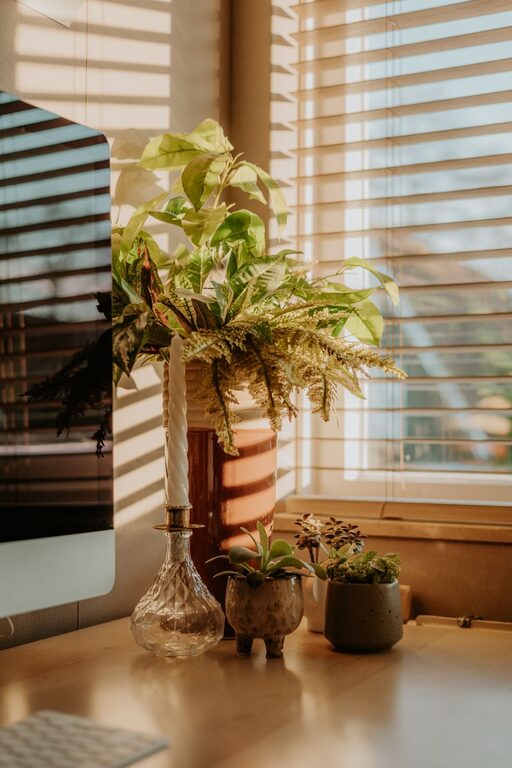
Creating a home office that feels both cozy and productive can significantly enhance your work-from-home experience. Whether you’re working remotely full-time or occasionally, having a comfortable, organized, and inspiring space can help you stay focused and motivated. This guide covers helpful tips to design a home office that meets your needs and fits your lifestyle.
Choose the Right Location
Finding the perfect spot in your home is the first step. Consider areas with enough natural light and minimal distractions. A quiet corner, spare room, or even a section of your bedroom can work well. Avoid high-traffic zones where interruptions are frequent.
Optimize for Natural Light
Natural light is not only uplifting but also reduces eye strain. Position your desk near a window if possible. Use sheer curtains to soften the light without blocking it entirely.
Invest in Comfortable and Functional Furniture
Comfort plays a key role in productivity. Choose a chair with good lumbar support and a desk at a comfortable height. Adjustable furniture options allow you to change positions throughout the day, reducing fatigue.
Consider Ergonomics
Set up your workspace to support good posture. Your screen should be at eye level, and your feet should rest flat on the ground or on a footrest. This setup promotes comfort and helps prevent pain or injury.
Personalize Your Space
Adding personal touches can make your office feel welcoming and uniquely yours. Display photos, art, or favorite decor items that inspire you but keep clutter to a minimum to maintain focus.
Use Color Wisely
Colors affect mood and concentration. Soft blues and greens promote calmness, while pops of warmer hues like yellow or orange can boost creativity. Choose colors that make you feel comfortable and alert.
Organize with Purpose
An organized desk reduces stress and saves time. Use storage solutions such as shelves, baskets, or drawer organizers to keep supplies tidy and accessible.
Keep Only Essentials Nearby
Limit your desktop items to things you use daily. Store less frequently needed items away to maintain a clean and uncluttered surface.
Manage Technology Efficiently
Reliable technology is essential for a productive home office. Invest in a fast internet connection, quality computer, and necessary accessories like a printer or external monitor.
Cable Management
Tidy cables improve safety and aesthetics. Use cable ties, clips, or under-desk trays to keep cords organized and out of sight.
Control Lighting and Temperature
Besides natural light, good artificial lighting is important for late work sessions. Use adjustable desk lamps to avoid glare and eye strain. Maintain a comfortable room temperature to stay focused.
Incorporate Plants
Adding greenery can improve air quality and create a calming atmosphere. Choose low-maintenance plants like succulents, pothos, or spider plants that thrive indoors.
Establish Boundaries
Separate your work area from living spaces as much as possible. This helps mentally switch between work and relaxation modes and reduces distractions.
Set a Routine
Create a schedule that includes breaks and time to step away from your desk. This promotes better work-life balance and fresher thinking.
Final Thoughts
Designing a cozy and productive home office is about balancing comfort with efficiency. By carefully choosing your space, furniture, lighting, and decor, you can build an environment that supports your best work. Take the time to personalize and organize your setup, and don’t forget regular breaks to keep your mind fresh. With these tips, your home office can become a place where productivity and comfort go hand in hand.